What Is an SSL Certificate — and Why Google Flags Sites Without One
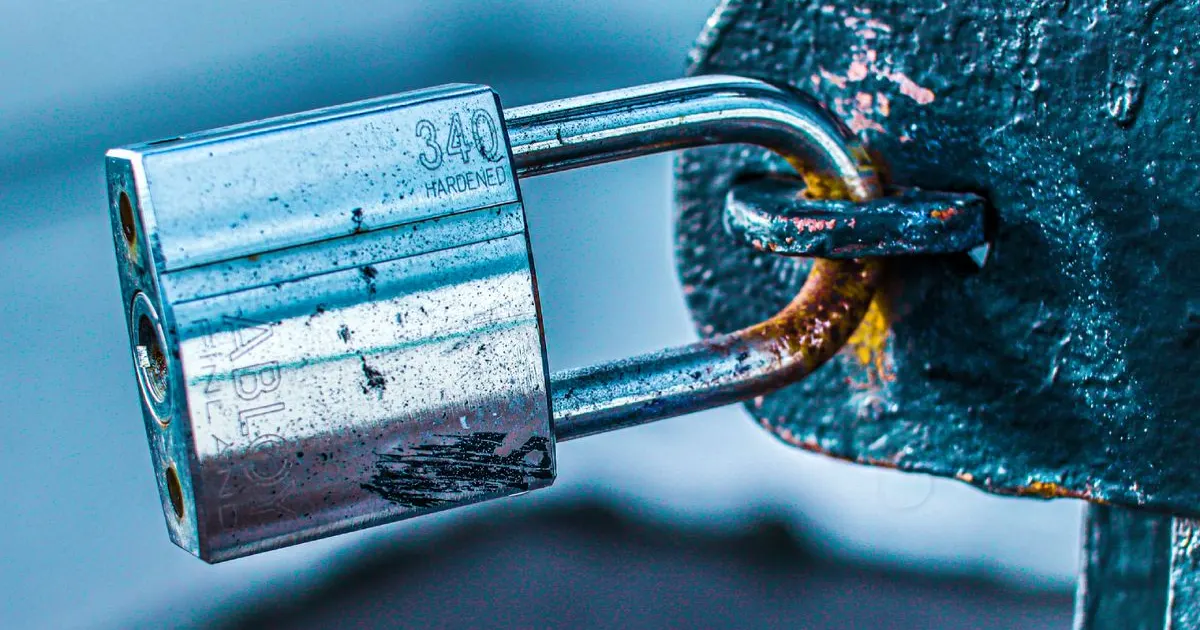
That little padlock in the address bar is doing more than you think. Here is what an SSL certificate is, why customers and Google expect it, and how to get one.
You have probably noticed a small padlock next to the web address in your browser, and perhaps a frightening "Not secure" warning on some sites. Behind both is a technology called SSL. It is one of those things that is invisible when it works and alarming when it is missing. Here is what it is and why your business website cannot do without it.
What an SSL certificate actually does
An SSL certificate encrypts the connection between your website and the people visiting it. That means any information passing back and forth — contact form details, login credentials, payment information — is scrambled so it cannot be read by anyone intercepting it. A site with SSL uses HTTPS (the 'S' stands for secure) and shows the padlock; a site without it uses plain HTTP.
Why it matters for your business
1. Customer trust
Modern browsers actively warn visitors when a site is 'Not secure'. Most people will not enter their details — or stay — on a site flagged that way. The padlock has become a basic signal of legitimacy, and its absence quietly drives customers away.
2. Search ranking
Google treats HTTPS as a ranking signal and favours secure sites. A site without SSL is at a disadvantage in search results, on top of looking untrustworthy to the people who do find it.
3. Data protection
If your site collects any information at all — even just a contact form — SSL protects that data in transit. For any site handling logins or payments, it is non-negotiable.
Good news: a basic SSL certificate is usually free and is included with quality hosting. There is no reason for any business website to run without one in 2026.
How to get SSL on your site
- 1Check whether your hosting already includes a free SSL certificate — most good hosts do.
- 2If it does, make sure it is installed and active so your site loads over HTTPS.
- 3Set your site to redirect all HTTP traffic to HTTPS, so visitors always get the secure version.
- 4Confirm the padlock appears and there are no 'mixed content' warnings from old links.
The takeaway
An SSL certificate is the baseline of a trustworthy, search-friendly website. It protects your visitors, satisfies Google, and removes the off-putting 'Not secure' warning. If you are not certain your site has it, check today — it is usually a quick fix and often free with good hosting.
Need hosting with free SSL included?
View hosting plans
Written by the Saby Infotech team
Saby Infotech is a software development company based in Dar es Salaam, Tanzania. Over 10+ years we've delivered 50+ websites, hosting setups, and custom systems for 30+ businesses across 9+ industries — from safari operators and schools to NGOs and energy companies. These guides come from real project experience helping Tanzanian businesses get online and grow.
Work with us